
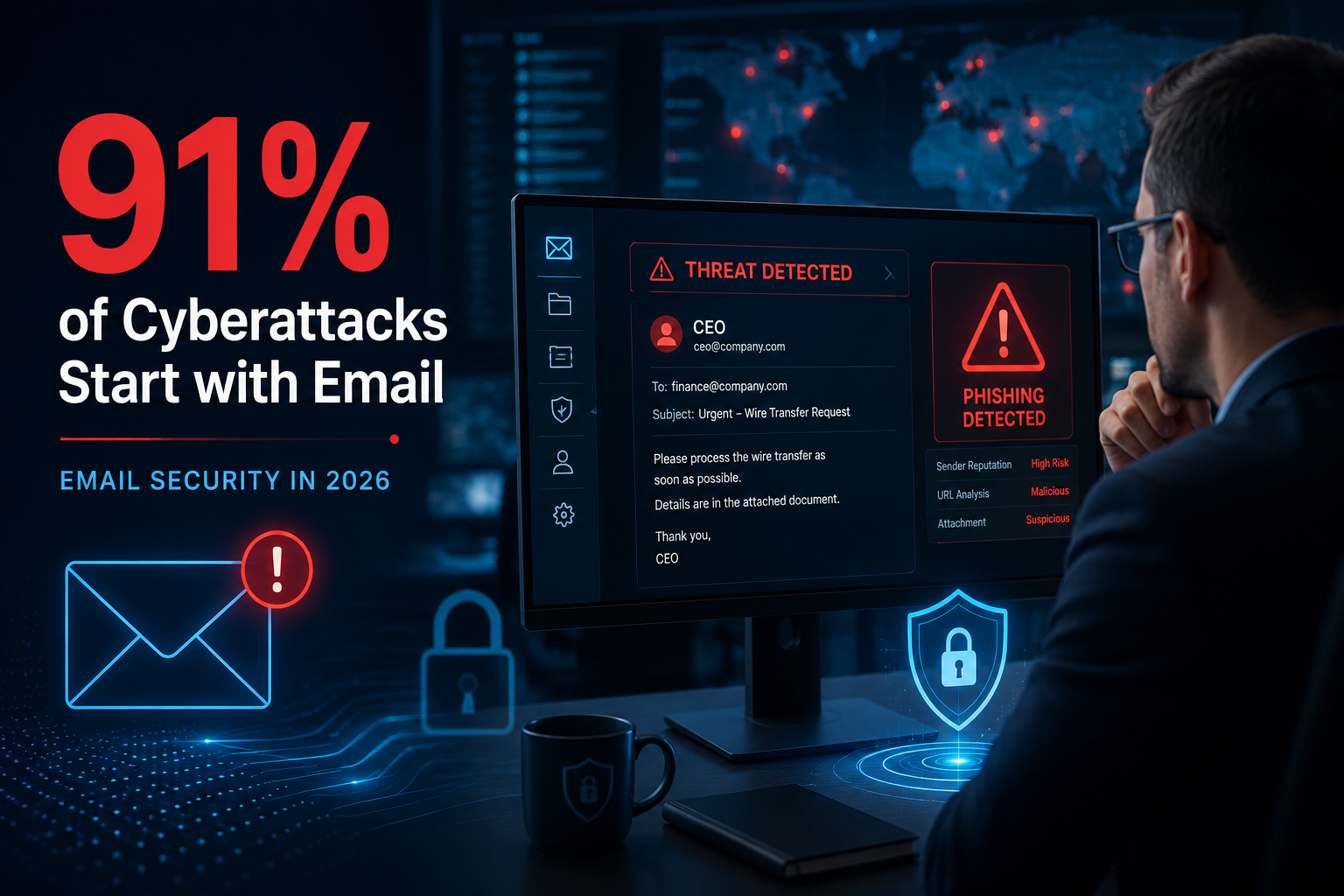
Email remains the backbone of business communication, but it also continues to be the most exploited attack vector in cybersecurity. From phishing and ransomware to business email compromise (BEC) and AI-generated impersonation attacks, cybercriminals are evolving faster than many organizations can adapt.
By 2026, email threats are expected to become even more sophisticated due to generative AI, automation, and increasingly complex hybrid work environments. Traditional spam filters and basic antivirus tools are no longer enough to defend modern organizations against targeted attacks designed to bypass human and technical defenses.
That’s why businesses are shifting toward layered, proactive, and intelligence-driven email security strategies. Organizations working in regulated industries especially, are prioritizing continuous monitoring, identity protection, and compliance-focused cybersecurity frameworks offered by providers like TorchLight, which combines managed IT, threat detection, compliance readiness, and security operations into a unified approach.
This guide explains what email security is, why it matters more than ever, the biggest threats businesses face today, and the best practices organizations should implement to future-proof their defenses for 2026 and beyond.
What Is Email Security?
Email security refers to the technologies, policies, processes, and user practices designed to protect email accounts, communication systems, and sensitive data from unauthorized access, cyberattacks, malware, phishing attempts, spoofing, and data breaches.
Modern email security extends far beyond spam filtering. A comprehensive email security strategy includes:
- Threat detection and prevention
- Identity verification
- Email authentication
- Malware analysis
- Data protection
- User awareness training
- Access control
- Incident response planning
The primary goal of email security is to ensure that malicious emails never reach users while protecting sensitive information from being stolen, altered, or exposed.
Why Email Security Matters More Than Ever
Cybercriminals target email because it gives them direct access to employees, executives, financial systems, and business workflows. Unlike network-based attacks, email attacks exploit human behavior, making them incredibly effective.
The consequences of a successful email attack can be devastating:
- Financial losses from wire fraud or ransomware
- Regulatory fines
- Data breaches
- Operational downtime
- Reputational damage
- Customer trust erosion
Business Email Compromise (BEC) attacks alone cost organizations billions of dollars globally each year. These attacks often involve impersonating executives, vendors, or partners to trick employees into transferring funds or revealing confidential information.
By 2026, experts expect attackers to increasingly use AI-generated phishing emails, deepfake audio coordination, and automated social engineering campaigns capable of bypassing traditional defenses.
Common Email Threats & Attack Vectors
Phishing Attacks
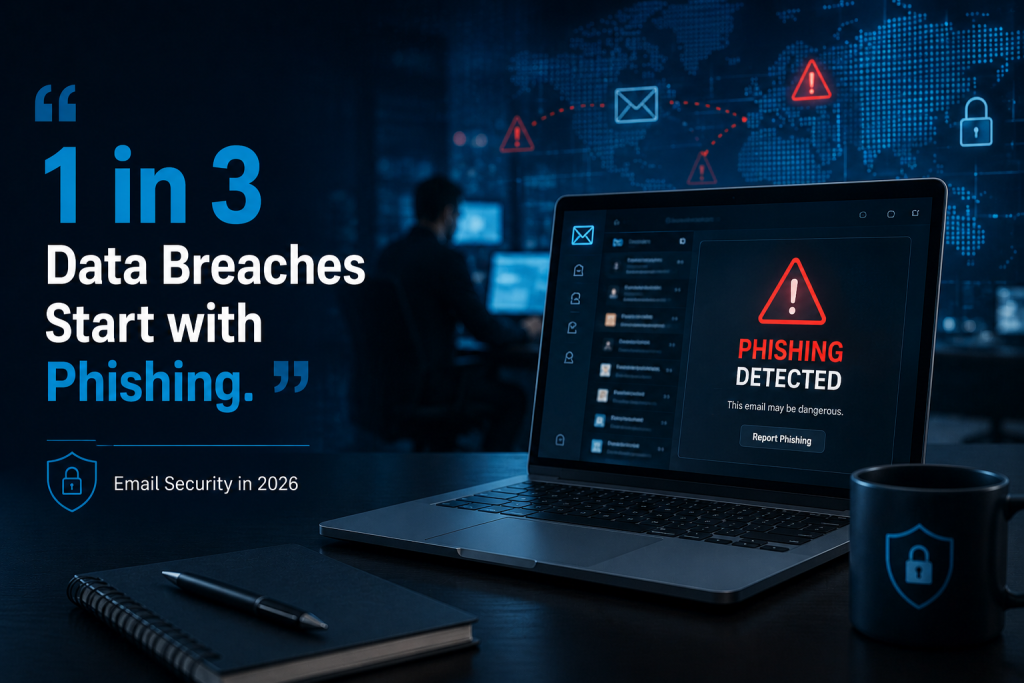
Phishing remains the most common email-based cyberattack. Attackers send fraudulent emails designed to trick users into:
- Clicking on malicious links
- Downloading infected attachments
- Sharing login credentials
- Transferring money
Modern phishing campaigns are now highly personalized and often generated using AI, making them significantly harder to detect.
Spear Phishing
Unlike generic phishing attacks, spear phishing targets specific individuals or departments using personalized information.
Attackers may impersonate the following:
- CEOs
- HR departments
- Vendors
- Clients
- Financial institutions
These attacks are extremely effective because they appear legitimate and contextually relevant.
Business Email Compromise (BEC)
BEC attacks involve impersonating trusted business contacts to manipulate employees into sending money or sensitive data.
Common examples include:
- Fake invoice requests
- Payroll diversion scams
- Vendor payment changes
- Executive impersonation
These attacks often bypass traditional malware detection because they rely primarily on social engineering rather than malicious attachments.
Malware & Ransomware
Cybercriminals frequently use email to distribute malware and ransomware through the following:
- Infected attachments
- Malicious links
- Weaponized documents
- Fake cloud-sharing invitations
Once deployed, ransomware can encrypt systems, halt operations, and demand large payments for recovery.
Email Spoofing & Domain Impersonation
Spoofing occurs when attackers forge email addresses or domains to make messages appear legitimate.
This can:
- Damage brand trust
- Enable phishing attacks
- Trick customers and employees
- Circumvent weak email authentication systems
Zero-Day Threats & Advanced Persistent Attacks
Sophisticated attackers increasingly exploit previously unknown vulnerabilities to gain long-term access to systems.
These attacks are especially dangerous because
- Traditional antivirus tools may not detect them
- They often remain hidden for extended periods
- They target privileged accounts and sensitive infrastructure
The Core Pillars of Email Security
Effective email security requires multiple layers of protection working together.
Secure Email Gateways (SEGs)
Secure email gateways analyze inbound and outbound emails to block:
- Spam
- Malware
- Phishing attempts
- Suspicious attachments
- Dangerous URLs
Popular SEG solutions include:
- Microsoft Defender for Office 365
- Proofpoint
- Mimecast
Modern SEGs now incorporate AI-driven threat analysis and behavioral detection capabilities.
Multi-Factor Authentication (MFA)
Passwords alone are no longer sufficient.
MFA adds additional layers of verification, such as
- Mobile authentication apps
- Biometrics
- Hardware tokens
- Adaptive authentication
Even if credentials are stolen, MFA significantly reduces the likelihood of unauthorized access.
SPF, DKIM & DMARC
These email authentication protocols help prevent spoofing and impersonation.
SPF (Sender Policy Framework)
Defines which mail servers can send emails on behalf of a domain.
DKIM (DomainKeys Identified Mail)
Uses cryptographic signatures to verify message authenticity.
DMARC (Domain-based Message Authentication, Reporting & Conformance)
Builds on SPF and DKIM to instruct email providers how to handle unauthorized messages.
Organizations that enforce DMARC policies greatly reduce the risk of domain impersonation attacks.
Advanced Threat Protection (ATP)
ATP solutions use:
- Machine learning
- Behavioral analytics
- Sandboxing
- Threat intelligence
These technologies identify sophisticated threats that traditional filters may miss.
Data Loss Prevention (DLP)
DLP tools prevent sensitive information from leaving the organization unintentionally or maliciously.
They help protect:
- Customer records
- Financial data
- Healthcare information
- Intellectual property
DLP is especially important for organizations subject to regulations such as HIPAA, GDPR, and PCI-DSS.
Email Encryption
Encryption ensures email data remains secure in both
- In transit
- At rest
End-to-end encryption is increasingly important for industries handling highly sensitive information.
Email Security Best Practices for Businesses in 2026
Adopt a Zero Trust Security Model
Zero Trust assumes that no user, device, or email should automatically be trusted.
Core principles include the following:
- Continuous verification
- Least-privilege access
- Identity-centric security
- Context-aware authentication
Zero Trust is rapidly becoming the standard for modern cybersecurity strategies.
Train Employees Continuously
Humans remain one of the largest cybersecurity vulnerabilities.
Organizations should conduct the following:
- Regular phishing simulations
- Security awareness workshops
- AI-phishing recognition training
- Role-based cybersecurity education
Research consistently shows that social engineering remains highly effective because attackers exploit urgency, authority, and trust.
Implement Adaptive MFA
Adaptive MFA analyzes:
- Device behavior
- Geographic location
- Login patterns
- Risk scores
This creates stronger protection without adding unnecessary friction for users.
Monitor Email Activity in Real Time
Continuous monitoring enables organizations to identify:
- Account takeovers
- Suspicious login behavior
- Unusual email forwarding rules
- Data exfiltration attempts
Security Information and Event Management (SIEM) platforms help centralize and analyze these signals for faster detection and response.
Develop an Incident Response Plan
Organizations should have a documented email security incident response plan that includes:
- Detection procedures
- Escalation paths
- Containment steps
- Communication workflows
- Recovery strategies
Regular testing and tabletop exercises are critical to ensuring readiness.
Backup Critical Email Data
Secure, immutable backups allow organizations to recover quickly after ransomware or account compromise incidents.
Businesses should:
- Automate backups
- Store copies offsite
- Test restoration procedures regularly
The Human Firewall 2.0
Technology alone cannot stop modern cyberattacks.
Attackers increasingly target employees using:
- Psychological manipulation
- AI-generated messaging
- Executive impersonation
- Personalized social engineering
Organizations must build a security-first culture where employees:
- Verify suspicious requests
- Report unusual activity
- Understand phishing indicators
- Participate in ongoing training
The concept of the “human firewall” is evolving from passive awareness to active participation in organizational defense strategies.
Email Security Maturity Model
Organizations can evaluate their readiness using a simple maturity framework.
Level 1 – Basic Protection
- Spam filters
- Basic antivirus
- Weak password controls
Level 2 – Managed Security
- MFA enabled
- DMARC monitoring
- Employee training
- Endpoint protection
Level 3 – Advanced Security
- AI-driven detection
- SIEM integration
- Incident response testing
- Threat intelligence feeds
Level 4 – Future-Ready Security
- Predictive analytics
- Automated remediation
- Zero Trust architecture
- Continuous risk assessment
2026 Email Security Self-Assessment Checklist
Use this checklist to evaluate your organization’s readiness:
- MFA-enabled organization-wide
- DMARC enforcement configured
- Phishing simulations are conducted regularly
- Email encryption implemented
- Incident response plans are tested quarterly
- Executive accounts isolated and monitored
- AI-based threat detection enabled
- Email backups are validated routinely
- Third-party vendor risks assessed
- Security awareness training is measured continuously
Individual Email Security Tips
Even individuals should practice strong email security habits.
Use Strong, Unique Passwords
Never reuse passwords across accounts.
Enable MFA Everywhere
Use authentication apps instead of SMS whenever possible.
Verify Suspicious Emails
Check sender domains carefully before clicking links or downloading files.
Avoid Unknown Attachments
Malicious attachments remain one of the most common attack methods.
Use Password Managers
Password managers reduce credential reuse and improve account security.
Stay Updated
Keep devices, browsers, and email applications patched and updated.
The Future of Email Security Beyond 2026
AI vs AI
Cybersecurity is entering an AI-driven arms race.
Attackers are using AI to:
- Generate convincing phishing emails
- Automate reconnaissance
- Personalize scams at scale
Defenders are responding with:
- Behavioral analytics
- Predictive threat detection
- Automated response systems
- Machine learning threat correlation
Zero Trust Email Architectures
Future email security models will increasingly focus on:
- Identity verification
- Contextual access
- Continuous monitoring
- Dynamic trust scoring
Predictive Threat Intelligence
Organizations are shifting from reactive defense toward predictive security strategies that anticipate threats before attacks occur.
Threat intelligence platforms now correlate:
- Global attack trends
- User behavior
- Emerging vulnerabilities
- Dark web indicators
Post-Quantum Cryptography
As quantum computing advances, traditional encryption methods may become vulnerable.
Organizations handling sensitive long-term data should begin monitoring developments in:
- Quantum-resistant encryption
- Cryptographic agility
- Future-proof identity systems
Choosing the Right Email Security Solutions
Businesses should evaluate email security solutions based on:
- Scalability
- AI detection capabilities
- Compliance support
- Ease of integration
- Threat intelligence quality
- Reporting and analytics
- Incident response capabilities
- False positive reduction
- Hybrid work support
Organizations operating in regulated industries often require providers capable of combining cybersecurity operations, compliance readiness, and continuous monitoring into a single strategy.
Essential Email Security Tools & Technologies
A modern email security software stack often includes the following:
- Secure Email Gateways (SEGs)
- Advanced Threat Protection (ATP)
- Multi-Factor Authentication (MFA)
- DMARC/SPF/DKIM management
- Data Loss Prevention (DLP)
- Email encryption platforms
- SIEM solutions
- Security awareness training platforms
The most effective strategies combine technology, processes, and employee awareness into a layered defense model.
Conclusion
Email security is no longer just about blocking spam. It has become a critical component of organizational resilience, regulatory compliance, operational continuity, and customer trust.
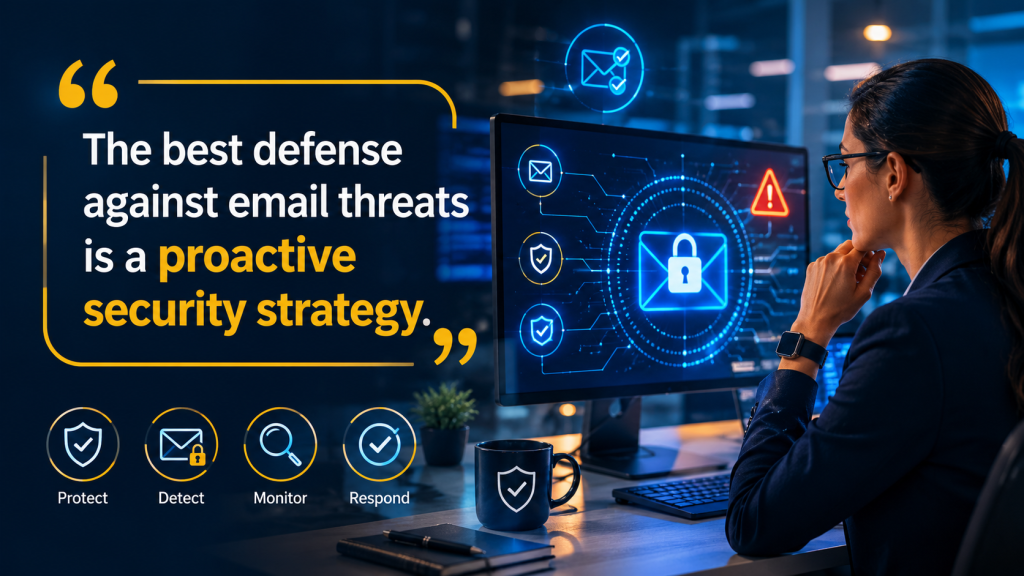
As cyber threats evolve through AI automation, advanced phishing techniques, and increasingly sophisticated impersonation attacks, it’s important to choose the best email security services for businesses that must move beyond reactive defenses and adopt proactive, future-ready security strategies.
Businesses that prioritize the following:
- Zero Trust architectures
- AI-driven threat detection
- Continuous employee training
- Strong identity protection
- Real-time monitoring
- Incident response preparedness
will be far better positioned to defend against the email threats of 2026 and beyond.
The organizations that succeed will not necessarily be the ones with the largest security budgets; they will be the ones that continuously adapt faster than attackers evolve.