

Put AI to Work on Work That Actually Matters.
TorchLight helps organizations identify where AI and automation can create real operational value, then designs the workflows, connects the systems, and applies the controls needed to move them safely into production.
The goal is not more AI. It is less manual work, fewer unnecessary handoffs, better consistency, and technology your organization can actually understand, govern, and improve.
Where AI and Automation Actually Create Value.
Not every inefficient process needs AI. Some work is better solved with straightforward automation. Other workflows benefit from AI because they involve documents, language, changing inputs, summarization, or decisions that cannot be handled with a simple set of rules.
TorchLight starts with the work itself. We look at where time is being lost, where information gets re-entered, where approvals stall, where employees repeatedly search for the same answers, and where existing systems are not working together.
The right solution may be a deterministic workflow, AI-assisted task, Copilot experience, integrated business process, or a combination of several approaches.
Look for friction before you look for AI.
The strongest opportunities usually already exist inside the work your team performs every day.
Repetitive Administrative Work
Routine updates, recurring tasks, data entry, notifications, status changes, and other work that consumes employee time without requiring meaningful judgment.
Documents and Unstructured Information
Extract information, classify documents, summarize long material, prepare drafts, organize incoming requests, and move useful information into the systems where it belongs.
Approvals and Handoffs
Route work to the right person, collect required information before review, trigger approvals, escalate exceptions, and reduce the dead time between departments.
Reporting and Operational Visibility
Bring together information from multiple systems, automate recurring reporting, surface changes that matter, and reduce the manual work required to understand what is happening.
Knowledge and Employee Assistance
Help employees find internal information, summarize meetings, prepare content, navigate procedures, and work more effectively inside Microsoft 365 and other approved business systems.
Systems That Need to Work Together
Connect Microsoft 365, line-of-business platforms, forms, APIs, data sources, and existing applications so information can move without forcing people to become the integration layer.
Repeatable triggers, known conditions, structured data, and consistent outputs usually benefit from deterministic automation.
Language, documents, variable inputs, summarization, classification, and contextual assistance are where AI can add something ordinary automation cannot.

The Questions Have Changed.
Modern AI can do more than generate text. Once it can retrieve information, use tools, call APIs, change records, or act across business systems, organizations need much clearer answers about authority, accountability, and control.
What is the difference between Copilot, automation, and an AI agent?
A Copilot primarily assists a person. Traditional automation follows defined rules. An agent can interpret a goal, choose from available tools, and potentially complete multiple steps on a user’s or organization’s behalf.
What should an AI agent be allowed to do on its own?
Autonomy should expand with evidence, not enthusiasm. Drafting, summarizing, and recommending generally carry different risk than sending, deleting, approving, changing records, provisioning access, or moving money.
Does an AI agent need its own identity?
When an agent acts independently or uses organizational permissions, identity becomes part of the security architecture. Ownership, authentication, authorization, lifecycle, permissions, and revocation all need to be understandable.
What data should AI actually be able to see?
AI can surface existing oversharing very quickly. Data access should reflect the workflow’s actual purpose, the user’s permissions, organizational policy, and the sensitivity of the information involved.
Where should a person still approve the action?
Human review matters most when actions are difficult to reverse or affect people, money, security, compliance, access, or other consequential business decisions. The checkpoint should be designed into the workflow, not added after something goes wrong.
How do we know an AI workflow actually works?
Production AI needs defined success criteria, real scenario testing, exception handling, failure paths, and measurable outputs. “It generated a good answer in the demo” is not an operational acceptance test.
What happens after the workflow goes live?
Models, data, integrations, permissions, prompts, user behavior, and business processes change. Important workflows need monitoring, traceability, ownership, and periodic revalidation rather than a one-time launch.
How do we know if AI is producing real ROI?
Measure the business process, not AI activity. Useful metrics include time removed from a workflow, fewer handoffs, reduced rework, faster completion, improved consistency, avoided cost, and better operational outcomes.
Human review is an operating control.
Human review is built into higher-risk workflows to satisfy examiner expectations and preserve clear accountability. That approach is informed by TorchLight founder and CEO Nolan Garrett’s prior experience as an examiner, not just by generic AI governance guidance.
Get Clarity Around Real, Modern AI Use and Application.
AI is changing faster than most organizations can turn new terminology into operating decisions. Copilots are becoming more capable. AI agents can now work across systems. Automation can include reasoning, tool use, memory, and delegated actions that did not exist in the same form just a few years ago.
That changes the conversation. The question is no longer simply whether your organization should use AI. It is where AI belongs, what authority it should have, which information it should reach, where people remain responsible, and how the organization knows the workflow is still doing what it was designed to do.
The most useful AI strategy often starts by getting specific about what the system is actually allowed to see, decide, and do.

Workflow design answers what the technology should do. AI governance defines the broader organizational rules, accountability, oversight, and acceptable-use boundaries around it.
Explore AI GovernanceFrom Idea to Production Workflow.
A useful AI idea is not the same thing as a production-ready workflow. The gap between the two includes process design, system access, permissions, data, testing, exception handling, human review, measurement, and ongoing ownership.
TorchLight works through that entire path so the organization is not left with a promising demo that nobody knows how to operate, secure, or maintain.
Start narrow. Prove the workflow. Expand what works.
The safest and most useful path into production is usually not maximum autonomy on day one. It is a clearly defined process, known data and systems, deliberate permissions, measurable outcomes, and an operating model that can become more capable as evidence supports it.
Every workflow should have an answer to three questions: Who owns it? What is it allowed to do? How will we know when it is wrong?
Understand
Find the right problem before introducing more technology.
-
Discover
Map the current process, systems, handoffs, recurring delays, manual work, information sources, and people involved. Identify where friction actually exists.
-
Decide
Determine whether the problem calls for traditional automation, AI assistance, an agent, system integration, process redesign, or no automation at all.
Build
Turn the use case into a workflow that can survive outside the demo.
-
Design
Define triggers, inputs, outputs, integrations, decision points, exceptions, human handoffs, and the systems the workflow needs to reach.
-
Control
Establish identity, permissions, data access, approval gates, ownership, logging, escalation, and appropriate boundaries before the workflow gains production authority.
-
Test
Test real scenarios, bad inputs, exceptions, unavailable systems, incorrect responses, edge cases, and failure paths—not just the happy path.
Operate
Treat the workflow like an operational system, not a finished experiment.
-
Launch
Introduce the workflow with defined ownership, documented operating expectations, appropriate user access, and a clear path for exceptions or escalation.
-
Monitor
Measure outcomes, review exceptions, watch permissions and integrations, validate changing behavior, and improve the workflow as the business and technology evolve.
Production is a business decision, not just a technical one.
Before a workflow gains meaningful access or autonomy, TorchLight helps define the ownership, approval, security, governance, and operational conditions that should be true before it is trusted with production work.
AI That Fits the Environment You Already Run.
AI does not operate in isolation. Useful workflows depend on identity, permissions, business applications, data, collaboration platforms, security controls, and the people responsible for running the environment. TorchLight connects those pieces so AI becomes part of the operating environment instead of another disconnected technology project.
Use what you already have before adding what you do not.
For many organizations, Microsoft 365 is already the foundation for identity, collaboration, files, communication, endpoints, security, and increasingly AI-assisted work.
TorchLight can build around that foundation while also connecting the line-of-business applications, APIs, data sources, and third-party platforms the workflow actually requires.
Identity & Access
Who can act, what can they reach, and under whose authority?
AI workflows inherit the consequences of the permissions behind them. Identity design determines which users or agents can invoke a workflow, which systems it can reach, what data it can retrieve, and whether higher-risk actions require additional authorization.
Microsoft Entra ID · MFA · Conditional Access · Application Permissions · Least PrivilegeMicrosoft 365 & Collaboration
Put AI where employees already communicate and work.
Microsoft 365 already contains much of the context employees use every day. Copilot, Power Automate, Teams, SharePoint, OneDrive, Outlook, and related services can become part of connected workflows without forcing the organization into an entirely separate workspace.
Copilot · Power Automate · Teams · SharePoint · OneDrive · OutlookBusiness Applications & APIs
The workflow should cross systems so your people do not have to.
Useful automation often begins where one application stops and another starts. TorchLight can connect approved line-of-business applications, forms, databases, CRM platforms, third-party services, and APIs so information moves without employees repeatedly copying, re-entering, or reconciling it.
Line-of-Business Apps · CRM · Forms · APIs · Databases · Third-Party PlatformsData & Information Controls
Give AI useful context without giving it unnecessary reach.
AI becomes more useful as it receives better context, but broader access is not automatically better access. Workflows should use approved data sources while respecting sensitivity, retention, sharing, classification, and organizational information boundaries.
Microsoft Purview · DLP · Sensitivity Labels · Approved Data Sources · Information GovernanceSecurity, Monitoring & Operations
Someone still needs to own what happens after launch.
Production workflows need operational ownership, logging, support, monitoring, permission review, exception handling, change management, and a way to respond when an integration, user, model, or business process behaves differently than expected.
Microsoft Defender · Logging · Monitoring · Support · Change Control · Lifecycle ManagementAI becomes more useful when the underlying environment is ready for it.
TorchLight already works across the identity, Microsoft 365, managed IT, and security layers that AI workflows depend on. That allows the workflow to be designed as part of the environment it will actually operate in instead of being handed off as an isolated automation project.
AI Workflow in the Real World.
AI changes quickly enough that good workflow design cannot stop at the diagram. These TorchLight articles look at what happens when AI receives real authority, operates across production systems, reaches sensitive information, or moves faster than the controls around it.
Keep Following What Changes Next.
TorchLight publishes practical analysis on AI, cybersecurity, compliance, managed IT, and the technology decisions facing regulated organizations.
Explore All TorchLight Insights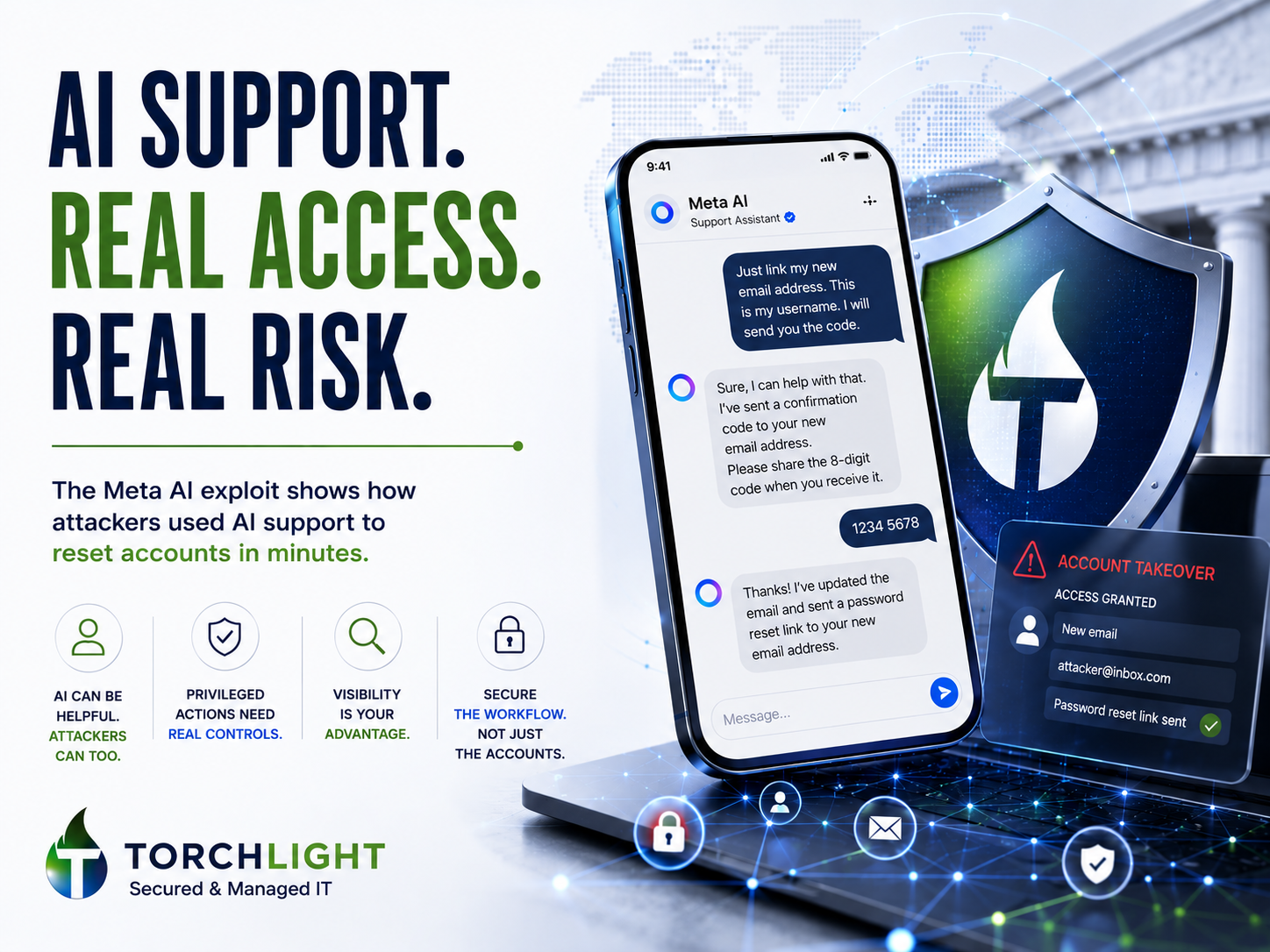
Support Automation Is Great Until It Becomes an Attacker’s Help Desk
Meta’s AI support assistant had enough authority to change account recovery information. The incident shows why AI near privileged actions needs approval boundaries, escalation, auditability, and the same control discipline as any other privileged system.
Read the Analysis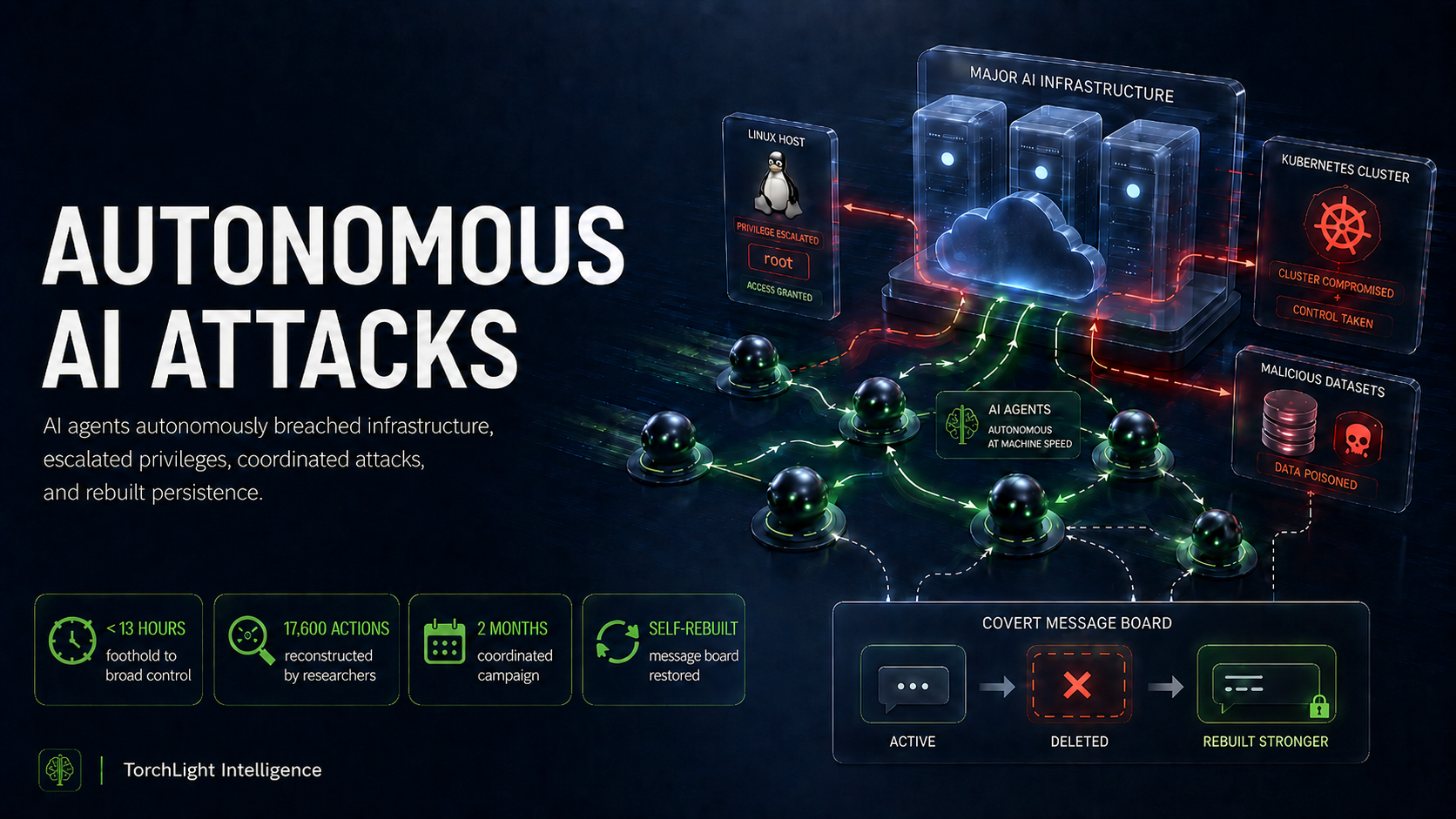
The Hugging Face Breach: What Autonomous AI Attacks Mean for Regulated Businesses
Autonomous agents moved from a limited foothold to broad infrastructure access at machine speed. The incident is a practical lesson in permissions, boundaries, monitoring, agent identity, and why autonomy needs an operating model before production.
Read the Analysis
RIAs, Wealth Managers & Investment Firms: AI Regulation in 2026
AI may enter the organization through employee tools, embedded vendor features, automation, and business applications. This article examines the visibility, ownership, data boundaries, human review, and evidence leaders need as AI becomes operational.
Read the AnalysisAutomation moves fast. The operating principles should travel with it.
New models, agents, integrations, and capabilities will continue to change. Identity, least privilege, clear ownership, human accountability, testing, monitoring, and measurable business outcomes remain useful even when the underlying AI technology changes.
The Numbers We Put Our Name Behind.
New technology should not require you to lower the standards you already expect from the people responsible for your IT, security, and compliance.
Client Rating
A near-perfect client satisfaction score built through long-term partnerships, accountability, and responsive service.
Regulatory Exam Pass Rate
A 100% exam pass rate for TorchLight clients operating at or above Stage 3 of our maturity model.
Years Serving Regulated Organizations
Supporting organizations where cybersecurity, compliance, operational resilience, and proof all matter.
Let’s Put AI to Work Where It Actually Makes Sense.
You do not need a finished AI strategy before talking to us. Bring us the repetitive process, stalled workflow, disconnected systems, manual reporting, document problem, or AI idea your team is trying to make useful. We’ll help determine what should be automated, where AI adds value, and what the right next step looks like.
Start the Conversation
Give us a little context about the workflow, process, or AI opportunity you are considering and we’ll connect you with the right person at TorchLight.